
Calendars & scheduling
Turnabee
Plan it once. It shows up in their calendar.
Set up plans for family, sitters, carers or colleagues. They connect their calendar once with no account, app or login needed.
Overview
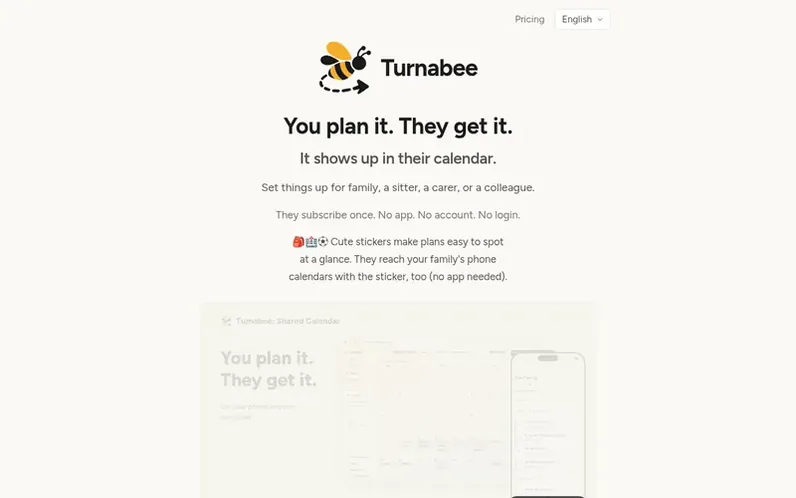
A look at turnabee.com
Turnabee lets you plan events and tasks for family members, sitters, carers, and colleagues by having them subscribe to your calendar once. Plans automatically appear in their existing phone calendar—iPhone Calendar, Google Calendar, or Outlook—with no account, app installation, or login required on their end.
You create plans with optional reminders, time zones, recurring dates, locations, notes, and attachments. The AI can read school notices from photos or text and turn them into tasks. Your family can reply to confirm completion or that they've seen events, and helpers can add plans themselves.
Plans sync in real time and update automatically when changed or cancelled. The service offers a free plan for up to 3 people and paid plans supporting more people and helpers, with activity history, AI notice reading, and daily summary emails.
Feature notes
- Calendar sync to Apple, Google and Outlook calendars
- AI reads school notices from text or photos
- Customizable reminders at time, 10 minutes, 1 hour or 1 day before
- Location and map integration
- Secret plans hidden from selected people
- Family members can add plans and files with a single link
- Activity history and time clash detection
- Daily summary emails on paid plans
Pricing
Pricing model: Freemium
Free: US$0, up to 3 people. Basic: US$4.99/month or US$49.99/year (about two months free), up to 10 people. Plus: US$8.99/month or US$89.99/year (about two months free), up to 30 people.
Compare and explore
FAQ
- How do recipients get plans into their calendar?
- Recipients open an invite link or QR code and select their existing calendar app (iPhone Calendar, Google Calendar, or Outlook) in a one-time setup. After that, plans automatically appear in their calendar with reminders.
- Do recipients need a Turnabee account or app?
- No. Recipients never need to create an account, install an app, or open Turnabee again. Plans show up in their existing calendar app.
- What happens when I change or cancel a plan?
- Changes or cancellations automatically update in recipients' calendars. You can edit or delete plans anytime from your board.
- Can family members add their own plans?
- Yes. You can give family members a link or QR code that lets them add plans and files directly to the group calendar without signing up for a Turnabee account.
- What does the AI notice reader do?
- You can take a photo of a school letter or paste a message, and the AI extracts dates and tasks from it. You review each one before adding them to the calendar. The number you can read depends on your plan.
Leave a review for Turnabee
No reviews of Turnabee yet. Run the first inspection.
Reviews are free and are never paid for. Open the reviews
Reviews and notes · Change log · Share the profile · Maker of this product? Claim the profile · Report a fault
Turnabee has a free listing. The owner can unlock the full profile with a paid launch for $5:
- Founder story (locked)
- Milestones (locked)
- Demo video (locked)
- Dofollow website link (locked)
Comparable tools
- Cria PlannerDR 4 · 0 community votes
- MeetingpadDR 18 · 0 community votes
- SchedulingKitDR 61 · 0 community votes
- BlendedCalDR 7 · 0 community votes