Productivity & Personal Tools
MightyBench
49 private tools for video, audio, images, PDFs and on-device AI in one native Mac app
A native Mac app with 49 offline tools for video, audio, image, and PDF editing plus on-device AI features, with one-time purchase pricing.
Overview
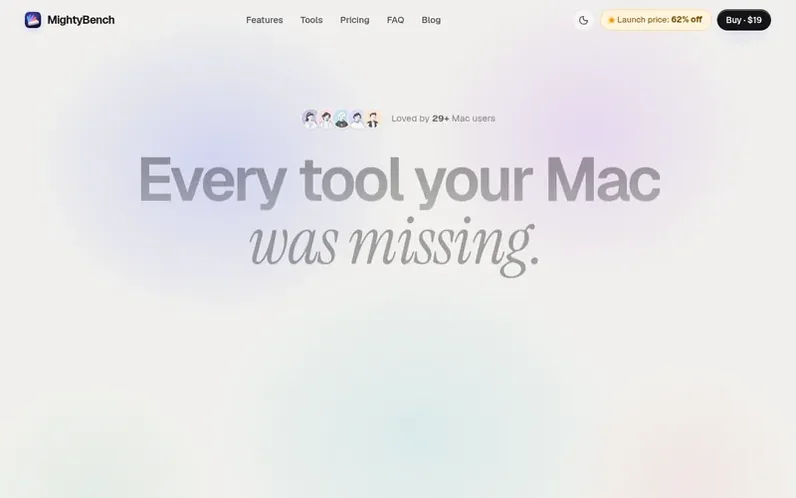
A look at mightybench.com
MightyBench is a native macOS application containing 49 tools for media processing and document editing. The tools cover video editing (recording, downloading, compressing, trimming, merging), audio handling (recording, trimming, transcription), image manipulation (converting, compressing, resizing, removing backgrounds), PDF operations (merging, splitting, signing, compressing), and on-device AI features (transcription, summarization, translation, OCR). All processing runs locally on your Mac using native frameworks like AVFoundation, PDFKit, Vision, Speech and Translation. There are no accounts, no file uploads, and no subscriptions. You purchase once and receive access to all tools and updates within version 1.x.
Feature notes
- Video recording with studio polish, zooms and captions
- Video compression with target file size option
- Batch processing for up to 50 files at once
- Hardware encoding on Apple silicon for fast exports
- PDF tools including signing and password protection
- On-device AI transcription and summarization
- Smart Drop tool suggestion based on file types
- Keyboard-first workflows with global launcher
- No size limits or daily quotas for processing
Pricing
Pricing model: Paid
MightyBench for 1 Mac: $19 USD (launch price, 62% off until 31 December 2026, regular price $49.99). MightyBench for 3 Macs: $29 USD. MightyBench for 5 Macs: $39 USD. MightyBench for 10 Macs: $69 USD. MightyBench for 25 Macs: $149 USD. MightyBench for 50 Macs: $249 USD. All prices include taxes. One
Compare and explore
FAQ
- What do I need to run MightyBench?
- A Mac running macOS 26 or later with Apple silicon recommended. The video tools can use hardware encoding for fast exports, and Summarize and Clean up option in Dictation need Apple Intelligence turned on.
- Are my files uploaded anywhere?
- No. Every tool runs on your Mac using frameworks Apple ships with macOS such as AVFoundation, PDFKit, Vision, Speech and Translation. There is no account, no cloud and no analytics. Only Download Video uses the internet to communicate directly with the source site.
- Can I get a refund if MightyBench is not right for me?
- Yes. If MightyBench is not right for you, email support@mightybench.com within 14 days of buying and you will receive a full refund.
- Is MightyBench a subscription?
- No. It’s a one-time purchase: $19 for one Mac at the launch price (62% off, until 31 December 2026), then the regular $49.99. Plans for 3 or 5 Macs and for teams cost less per Mac. Prices include all taxes. That gets you all 49 tools, with every MightyBench 1.x update included. No subscription and no in-app purchases.
- Do I need FFmpeg?
- Only for the video and audio tools that convert or re-encode. MightyBench installs FFmpeg through Homebrew in one click the first time you need it, or you can point it to a copy you already have. Images, PDFs, text recognition, transcription and recording don’t need it. Download Video also uses yt-dlp, installed the same way.
Leave a review for MightyBench
No reviews of MightyBench yet. Run the first inspection.
Reviews are free and are never paid for. Open the reviews
Reviews and notes · Change log · Share the profile · Maker of this product? Claim the profile · Report a fault
MightyBench has a free listing. The owner can unlock the full profile with a paid launch for $5:
- Founder story (locked)
- Milestones (locked)
- Demo video (locked)
- Dofollow website link (locked)
Comparable tools
- TimeLoopDR 14 · 0 community votes
- CallFirstDR 3 · 0 community votes
- Liner NotesDR 1 · 0 community votes
- HeyDockDR 6 · 0 community votes



