Video & meetings
videocalling.app
Free video calling with no registration or downloads
Browser-based video calling that requires no account or installation. Create a private room, share the link, and connect instantly with up to 4 participants for
Overview
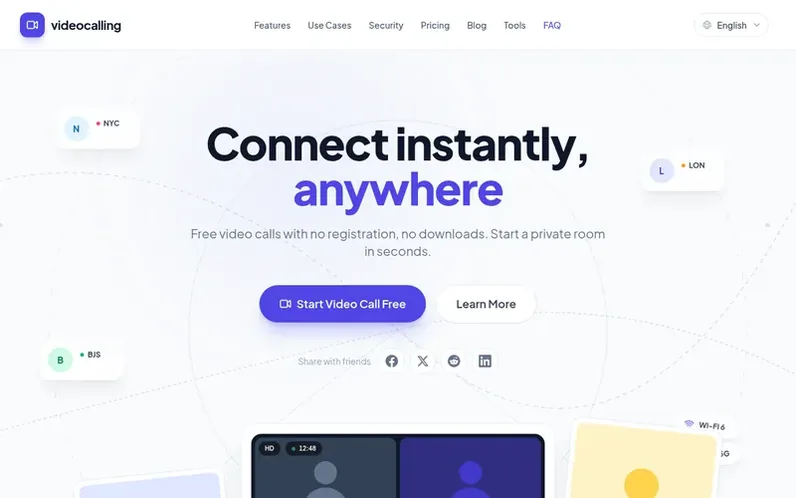
A look at videocalling.app
videocalling.app is a free, browser-based video calling service that eliminates friction from online communication. Users create a private room and share the link with chosen participants—no account creation, no downloads, and no installations required. The service supports up to 4 participants per room with a 60-minute limit on free accounts, works across all modern browsers on desktop, tablet, and mobile devices, and includes built-in screen sharing. Call media is relayed through Cloudflare Realtime SFU and encrypted in transit using WebRTC, though this is transport encryption rather than end-to-end encryption. The platform stores meeting history and diagnostic records to operate the service and troubleshoot issues.
Feature notes
- No registration required
- HD video and audio quality
- WebRTC encryption in transit
- Screen sharing
- Up to 4 participants
- Works on all modern browsers
- Automatic quality adjustment
- Ephemeral rooms
- Cloudflare Realtime SFU relay
Pricing
Pricing model: Free
Free Forever: $0 with up to 60 minutes per room, no registration or credit card required, screen sharing and chat included, works on modern browsers and devices, privacy-first design. Pro plan coming soon.
Compare and explore
FAQ
- Do I need to create an account to use video calling?
- No account is required. You can simply create a room and share the link to start your video call instantly without any account creation or contact details.
- Is video calling really free?
- Yes, the service is completely free with no hidden costs. Free rooms are limited to 60 minutes and support up to 4 participants.
- How secure are the video calls?
- Call media is relayed through Cloudflare Realtime SFU and encrypted in transit using WebRTC. This is transport encryption, not end-to-end encryption. Audio and video are not recorded by default, though the service may store meeting history and diagnostic records to operate and troubleshoot.
- Can I share my screen during a call?
- Yes, screen sharing is built-in. You can share your entire screen or specific application windows to collaborate effectively with your team.
- How long can a video call last?
- Free rooms are limited to 60 minutes. Longer meetings require the Pro plan, which is coming soon.
Leave a review for videocalling.app
No reviews of videocalling.app yet. Run the first inspection.
Reviews are free and are never paid for. Open the reviews
Reviews and notes · Change log · Share the profile · Maker of this product? Claim the profile · Report a fault
videocalling.app has a free listing. The owner can unlock the full profile with a paid launch for $5:
- Founder story (locked)
- Milestones (locked)
- Demo video (locked)
- Dofollow website link (locked)