
Productivity & Personal Tools
AlbumRescue
Mac app that reads Photos libraries from external drives, old Macs, damaged copies or Time Machine backups, and saves albums as folders
AlbumRescue reads Photos libraries on external drives, damaged copies or Time Machine backups, shows what photos are really stored where, compares libraries
Overview
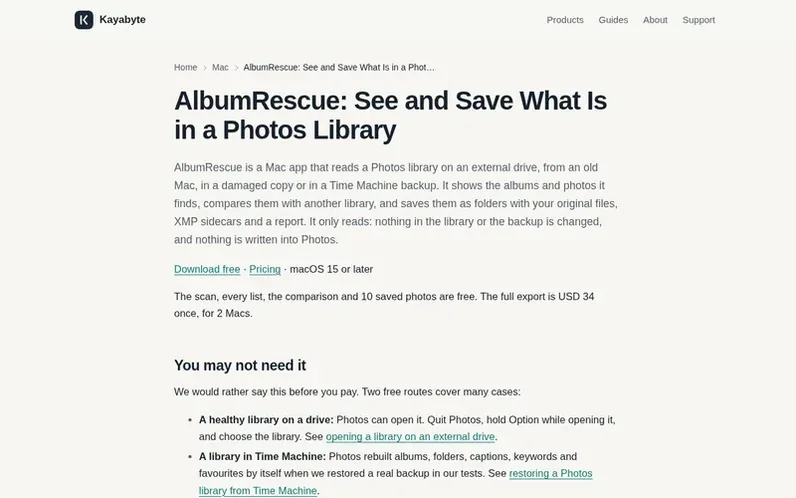
A look at kayabyte.dev
AlbumRescue is a Mac utility that helps you recover and export photos from Photos libraries stored on external drives, old Macs, damaged backups, or Time Machine copies. It finds libraries across different storage formats, reads them without making any changes, and shows you exactly which photos are stored locally versus which are only available in iCloud. You can compare two libraries to see what differs between them, and export albums as folder trees with original files, XMP sidecar files containing metadata, and a CSV report. The app works entirely offline on your Mac with no account required, and it never modifies your original library or backup.
Feature notes
- Finds Photos libraries on external drives (APFS, encrypted APFS, HFS+, exFAT) and in Time Machine backups
- Reads library database without modifying original library or backup
- Shows which originals are on disk and which cannot be saved
- Compares albums, folders and items between two libraries
- Saves folders with original files, XMP sidecars and CSV report
- Works offline with no account or cloud upload required
- Reads change journals when database is damaged or missing
Pricing
Pricing model: Freemium
Free: scan, all lists, comparison, and 10 photos saved. Full export: USD 34 once for 2 Macs, with one year of updates.
Compare and explore
FAQ
- Can AlbumRescue put my albums back into Photos?
- No. It does not write into Photos. If you want albums back inside Photos from a Time Machine copy, Photos itself can do that for free.
- Can it get my photos from iCloud?
- No. It only reads what is in the copy of the library you give it. If Optimize Mac Storage kept the originals in iCloud, the scan tells you, and they cannot be saved from this copy.
- Does it work with a library on an external drive?
- Yes: APFS, encrypted APFS once unlocked, HFS+ and exFAT, including read-only volumes and volumes with ownership ignored.
- Does it open or change my library?
- No. It copies the library's database to a private place and reads the copy. Your library and backup are only read.
- How does it compare with Photos Takeout, PowerPhotos, Photo Library Export and osxphotos?
- They are good choices for a working library, and some cost less or can fetch iCloud originals, which AlbumRescue cannot.
Leave a review for AlbumRescue
No reviews of AlbumRescue yet. Run the first inspection.
Reviews are free and are never paid for. Open the reviews
Reviews and notes · Change log · Share the profile · Maker of this product? Claim the profile · Report a fault
AlbumRescue has a free listing. The owner can unlock the full profile with a paid launch for $5:
- Founder story (locked)
- Milestones (locked)
- Demo video (locked)
- Dofollow website link (locked)
Comparable tools
- TodoalDR 6 · 2 community votes
- WhiiteroomDR 3 · 1 community vote
- Justduedate7DR 0 · 0 community votes
- PixphDR 5 · 0 community votes