
Developer Tools
XConnect
SSH client with RDP, VNC, SFTP and a built-in AI agent
A multi-protocol remote access client supporting SSH, Telnet, RDP, VNC, serial and SFTP across Windows, macOS, Linux, iOS and Android, with built-in jump hosts
Overview
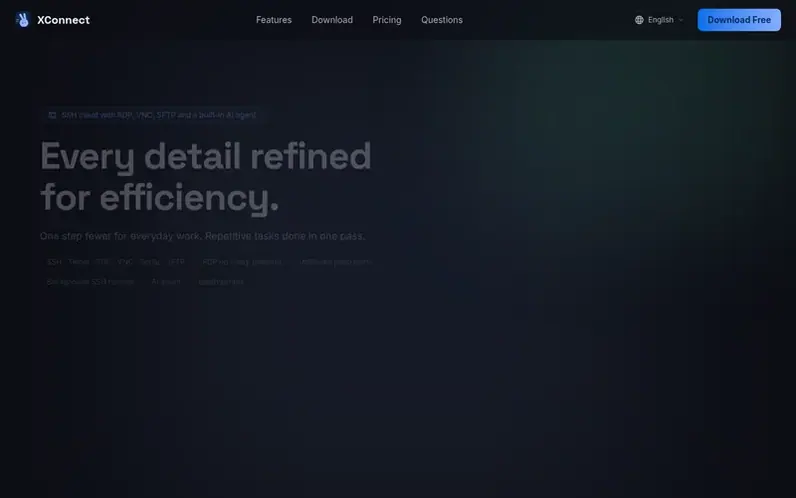
A look at xconnectapp.com
XConnect is a remote access client that consolidates SSH, Telnet, RDP, VNC, serial and SFTP protocols into a single application. The tool runs natively on Windows, macOS, Linux, iOS and Android, allowing users to manage remote connections across all platforms from one interface.
Key capabilities include unlimited jump hosts for routing through multiple bastion servers, background SSH tunnels that persist after the terminal closes, batch scripts that run across multiple servers on a schedule or in the background, and an AI agent that reads terminal output and runs commands with confirmation for destructive operations. The application supports RDP remote desktop on all platforms including phones, VNC for Linux and macOS servers, and serial console access.
Core features work fully offline without requiring an account or sign-up. Sessions can be imported from Xshell, MobaXterm, PuTTY, SecureCRT and FinalShell. Cross-device sync is optional and end-to-end encrypted, with a self-hosted sync server option available. The Lifetime license is available for $88 as a one-time payment covering all platforms.
Feature notes
- RDP remote desktop on Windows, macOS, Linux, iOS and Android
- Unlimited jump hosts and SSH tunnels in Pro and Lifetime plans
- Batch scripts with run history and cron schedules
- Two-pane SFTP with drag-and-drop file transfer
- Import sessions from Xshell, MobaXterm, PuTTY and SecureCRT
- Works fully offline without requiring an account
- End-to-end encrypted cross-device sync with self-hosted option
- Broadcast input to run commands across multiple panes simultaneously
Pricing
Pricing model: Freemium
Free: unlimited connections and groups for SSH, Telnet, VNC and serial with 1 jump host and 2 SSH tunnels. Pro: $8/month or $68/year adds RDP, unlimited jump hosts and tunnels, unlimited snippets, 300 AI uses/month, custom AI providers, cross-device sync and role-based access control. Lifetime: $88
Compare and explore
FAQ
- Does XConnect support RDP remote desktop?
- Yes. RDP is built in and works across Windows, macOS, Linux, iOS and Android phones with touch or trackpad mode, pinch-zoom, right-click and hardware keys. No gateway or relay PC is needed. RDP is included in Pro and Lifetime plans.
- Are jump hosts and SSH tunnels limited?
- The free plan includes 1 jump host and 2 SSH tunnels. Pro and Lifetime remove both limits, allowing you to add as many jump hosts as needed, chain them, and run local, remote or SOCKS5 tunnels that persist after closing the terminal.
- Do I need an account to use XConnect?
- No. Every core feature works fully offline with local encrypted storage. An account is only needed if you want to sync connections across multiple devices.
- Can I import my sessions from other SSH clients?
- Yes. XConnect finds sessions saved by Xshell, MobaXterm, PuTTY, SecureCRT and FinalShell, or reads an exported file or your ~/.ssh/config. Folders become groups, and jump hosts and port forwards come along.
- Can I self-host the sync server?
- Yes. XConnect ships with an open self-hosted sync server option. Point the app at your own server and your data never touches the company's infrastructure.
Leave a review for XConnect
No reviews of XConnect yet. Run the first inspection.
Reviews are free and are never paid for. Open the reviews
Reviews and notes · Change log · Share the profile · Maker of this product? Claim the profile · Report a fault
XConnect has a free listing. The owner can unlock the full profile with a paid launch for $5:
- Founder story (locked)
- Milestones (locked)
- Demo video (locked)
- Dofollow website link (locked)
Comparable tools
- AnalogDR 70 · 0 community votes
- PHP Upgrade Risk AuditDR 2 · 0 community votes
- OnyxDR 2 · 0 community votes
- graftforkDR 0 · 0 community votes